How to add staff and set permissions in Quikpair
Give each person exactly what they need.
Steps
- Open Users and tap New.
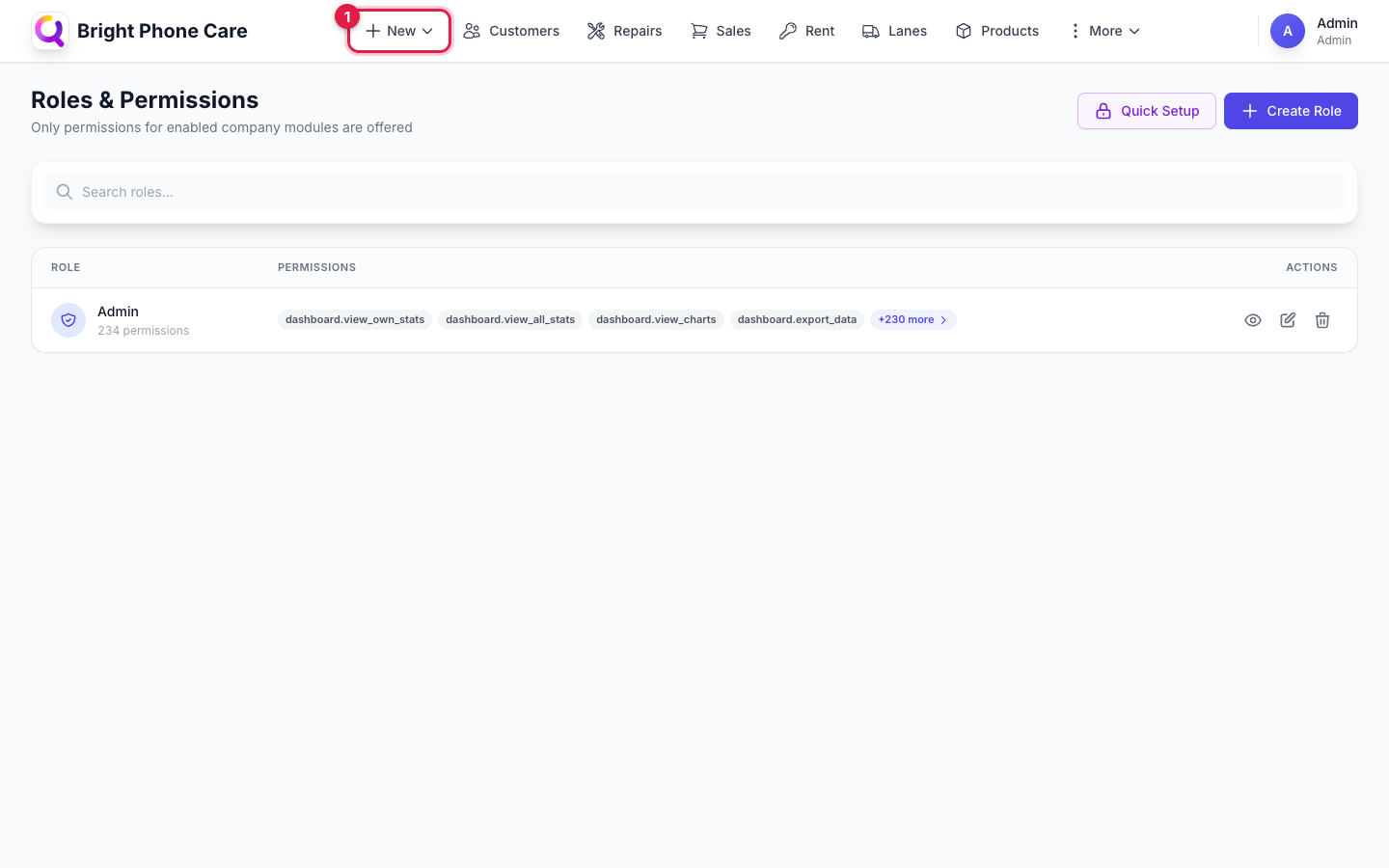
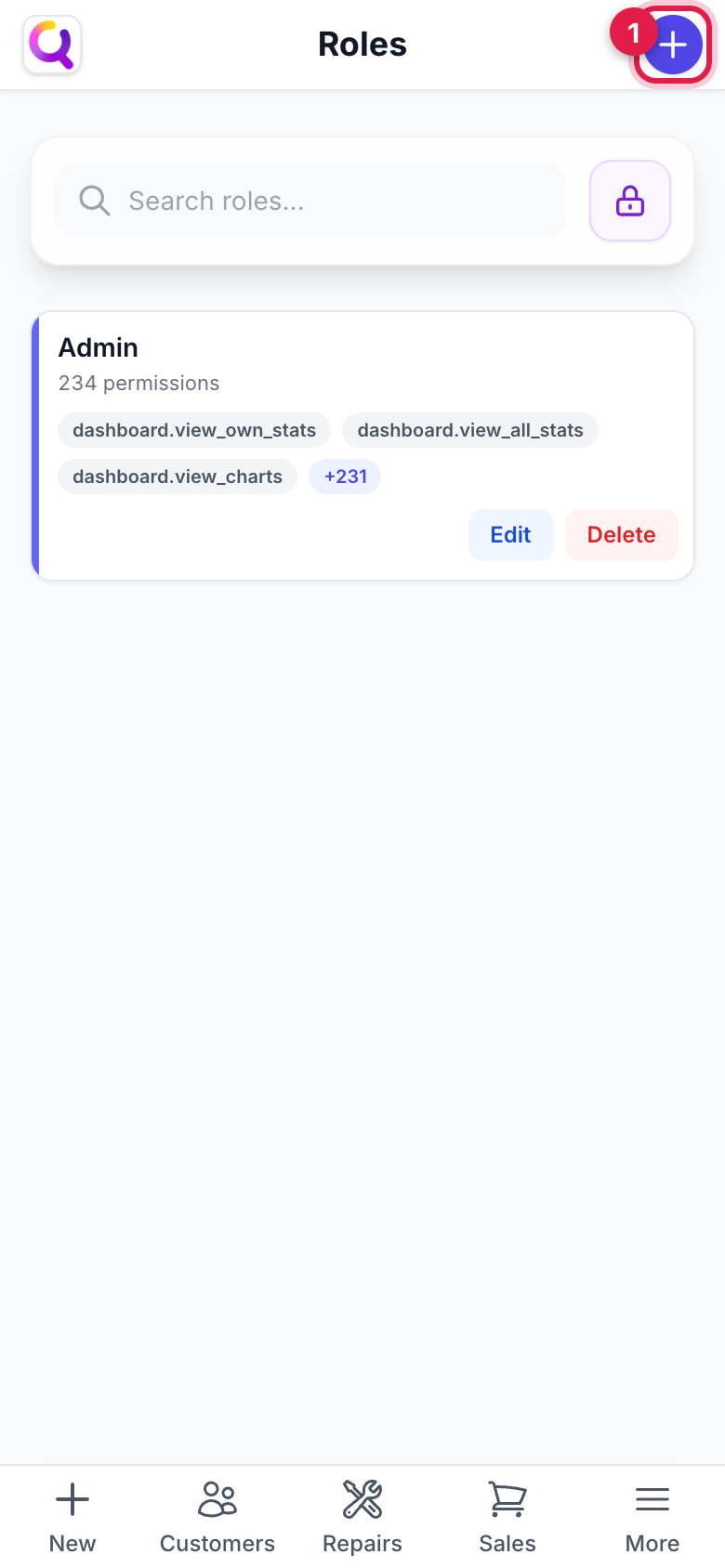
- 1 New
- Enter their name, phone and password.
- Assign a role.
- To change what a role can do, open Roles and tick the permissions — each module has view, create, edit and delete, plus specific rights such as processing payments or applying discounts.
- Save.
Good to know
- A user only sees the modules and buttons their role allows, so the app gets simpler for junior staff.
- Reports can be own or all: give a role a module’s own-reports permission without the all-reports one, and its sales, purchase, expense, repair and rental reports show only that person’s own records.
- The same permissions apply when staff use Quikpair through an AI assistant. AI Connectors → Connect lets a role connect one; AI Connectors → Manage lets an admin see and disconnect everyone’s.
- WhatsApp has its own permissions — inbox view and reply, templates, settings, billing, API and logs — so you can let staff answer the inbox without changing what the shop may send.